
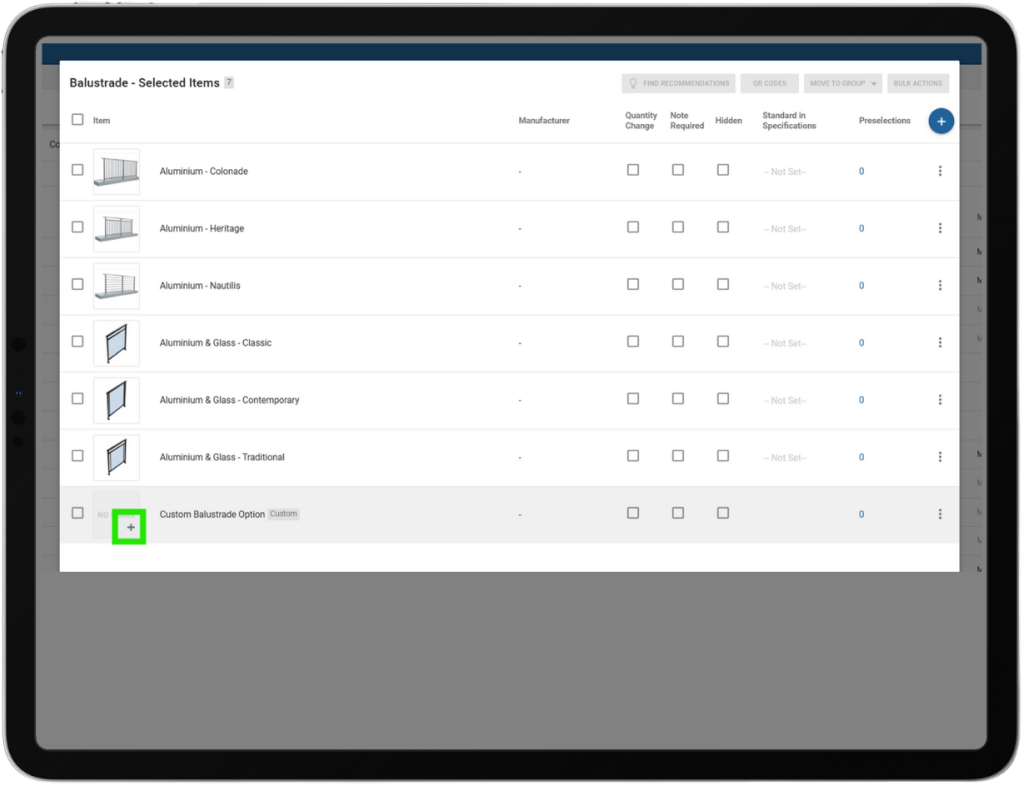
This release introduces a range of enhancements and fixes designed to make selections, reporting, and job management more flexible and user-friendly. Highlights include the ability for selections consultants and builders to easily customise “Other” selection items with bespoke images and labels, improved template and reporting options with new pricing display controls, and streamlined management of To Do templates and progress ordering. Several improvements have been made to search functionality, parent-child job toggling, user interface clarity, and mobile usability. These updates aim to provide a smoother and more efficient experience across the platform, catering to the specific needs of both builders and clients.
JOB Editable “Other” Selection Items:
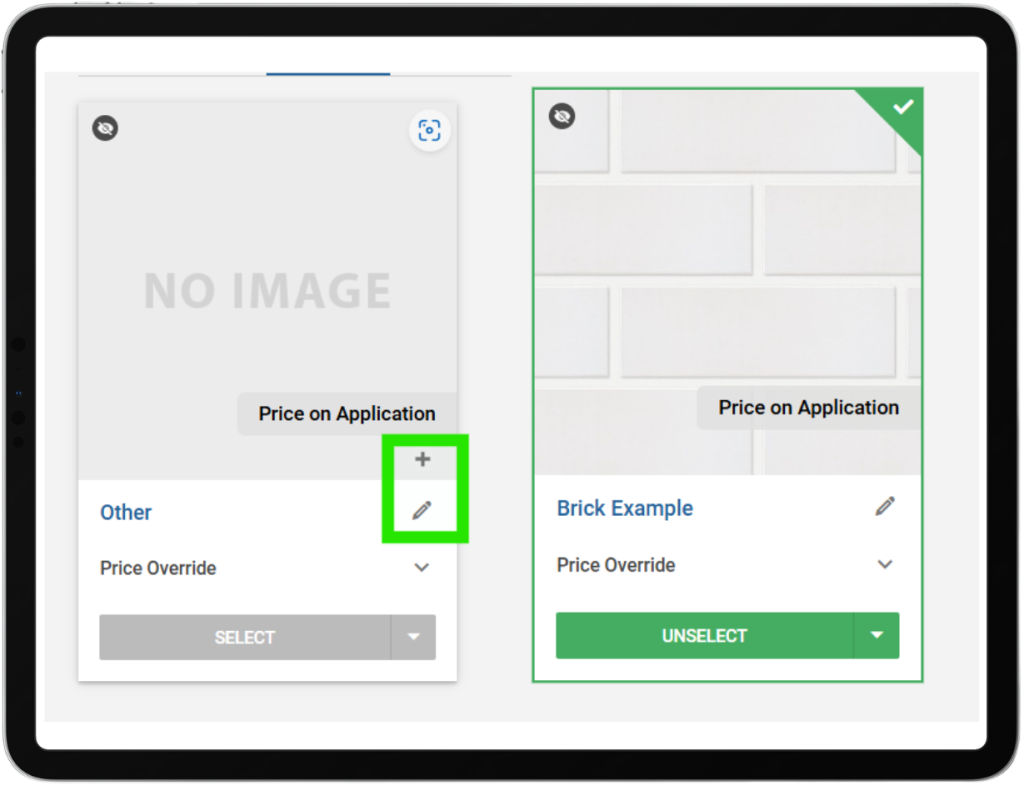
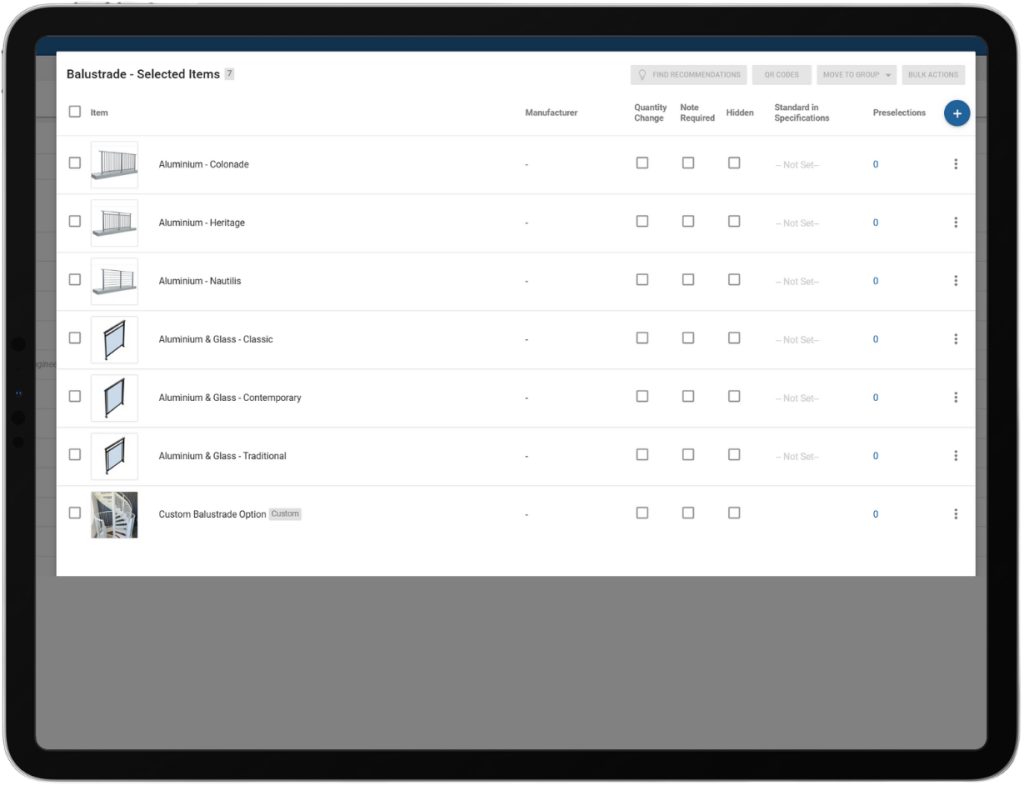
Selections Template – Builder Custom Item – Assign Image:
Builders can assign images to their own custom items directly within their selection templates. This allows builders to include unique options—such as staircases or cabinetry—that are specific to their projects without adding them to the main item library. The uploaded images are automatically processed and linked to the custom item, making it easy to visually represent these options in selections while keeping the item library clean and manageable. Note: Custom items can still not be priced.
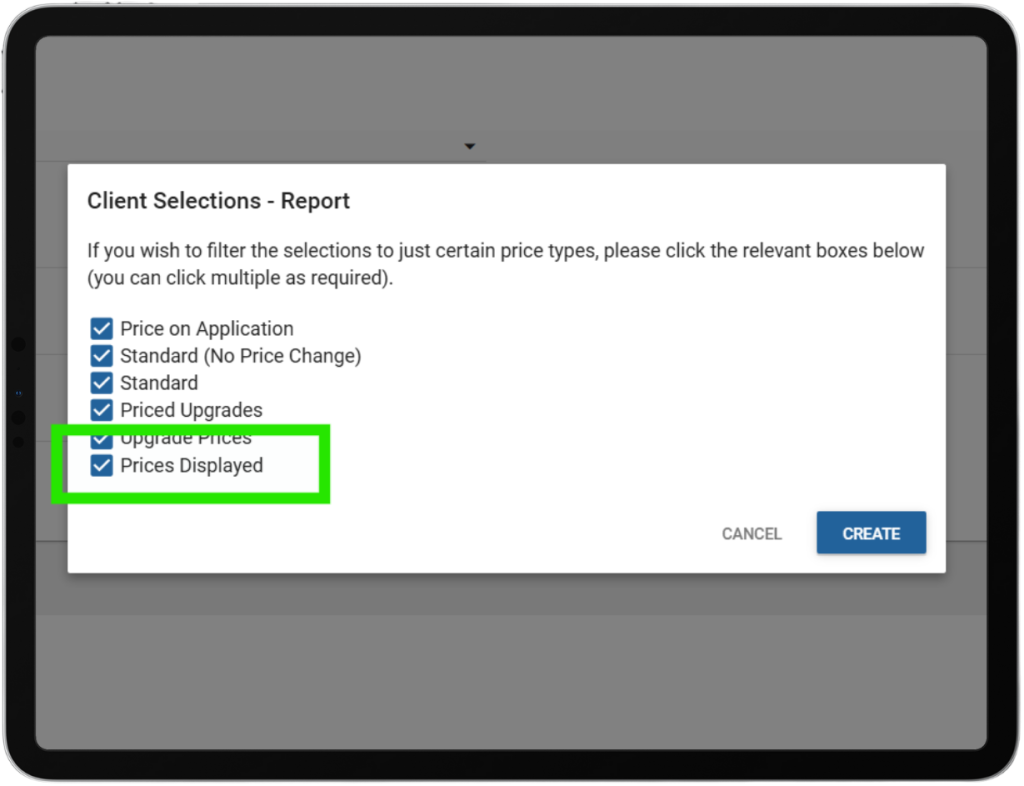
Reports – Addenda – Prices Displayed Option:
A new “Prices Displayed” checkbox has been added when generating addenda, allowing users to choose whether pricing is included in the document. This removes the need for multiple templates and manual oversight, enabling faster and more flexible addenda creation for internal use, subcontractors, or suppliers, all from a single template.
Prices Embed Report & Intelligence Menu Update:
A new Prices report has been added to the Intelligence menu. The menu has also been reordered for improved usability, with the new sequence: Engagement, Jobs, Messages, To Do, Surveys, Photos, Documents, Selections, Selections Log, Pricing, and Maintenance.
To Do Template List – Ordering & Linked Progress Items:
Admins can now organise To Do template items using drag-and-drop ordering, ensuring items appear in the intended sequence rather than alphabetically. This ordering is managed exclusively in Admin and is applied automatically when templates are used in jobs. Linked progress items now display in the same order as defined in the Progress Template, making setup clearer and more intuitive.
To Do – Progress View Ordering:
Fixed an issue where linked progress items in the To Do view appeared in the wrong order; they now display in the same sequence as defined by the Progress Template ranking, ensuring stages like Sales appear in their intended position.
Selections Improvement – Search for Items in Packages:
Users can now search for product codes and item names when adding them to packages within a selection template. This enhanced search functionality aligns with the main selection template, making the process smoother and more consistent.
Jobs Improvement – Parent-Child Job Toggle:
Builders can now seamlessly toggle between parent and child jobs when both jobs are linked. This improved functionality allows users to access and switch between both jobs as expected in parent-child job setups, enhancing workflow efficiency and ease of use.
Package Selection Popup Wording – Updated:
The selection confirmation pop-up has been updated to display clearer, more user-friendly wording. It now reads: “You are making a selection outside of your package. Do you wish to continue?” for any choices, improving clarity for users.
Additional Improvements:
- Message tab comments now reliably show to clients after 17 comments.
- 3D decorations, lights, and cameras are correctly reset when using the Clear function, providing a consistent workspace.
- Mobile users can now smoothly exit the email preview, streamlining navigation and user experience.
If you have any questions after reading the full release notes, or want help navigating the new features, our team is here to support you.