
Constructive release 2025.10 introduces a range of improvements aimed at enhancing user onboarding, simplifying workflow management, and improving platform usability. The update features a secure invitation process, more efficient filter management, and upgraded communication tools, offering a smoother experience across all modules. Additional updates include bulk notifications to keep teams informed, clearer reporting layouts, and several fixes to support the day-to-day work of builders, administrators, and clients. Explore the latest enhancements designed to help your projects run more smoothly and efficiently.
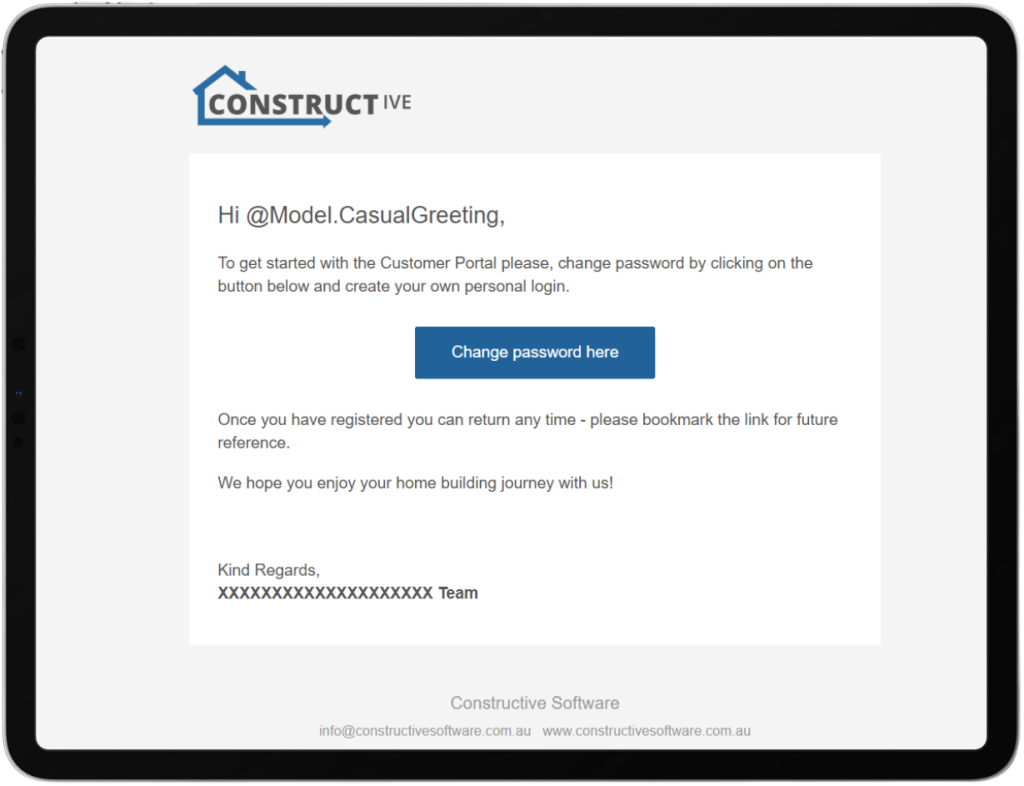
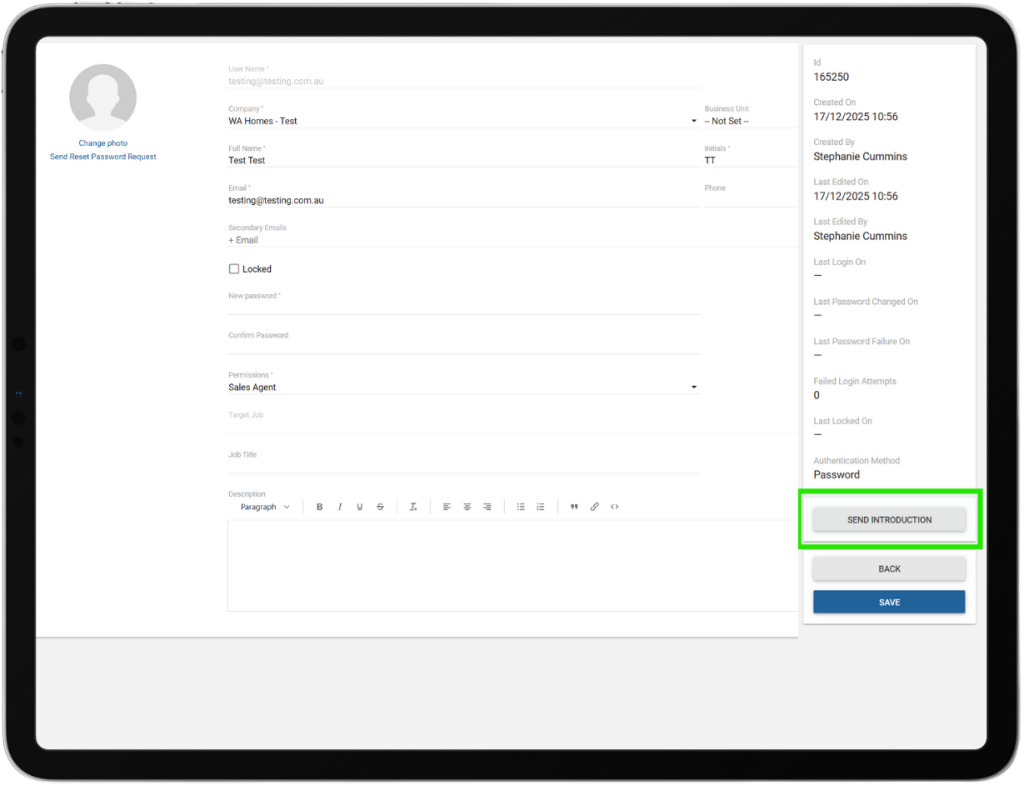
New User Introduction Email:
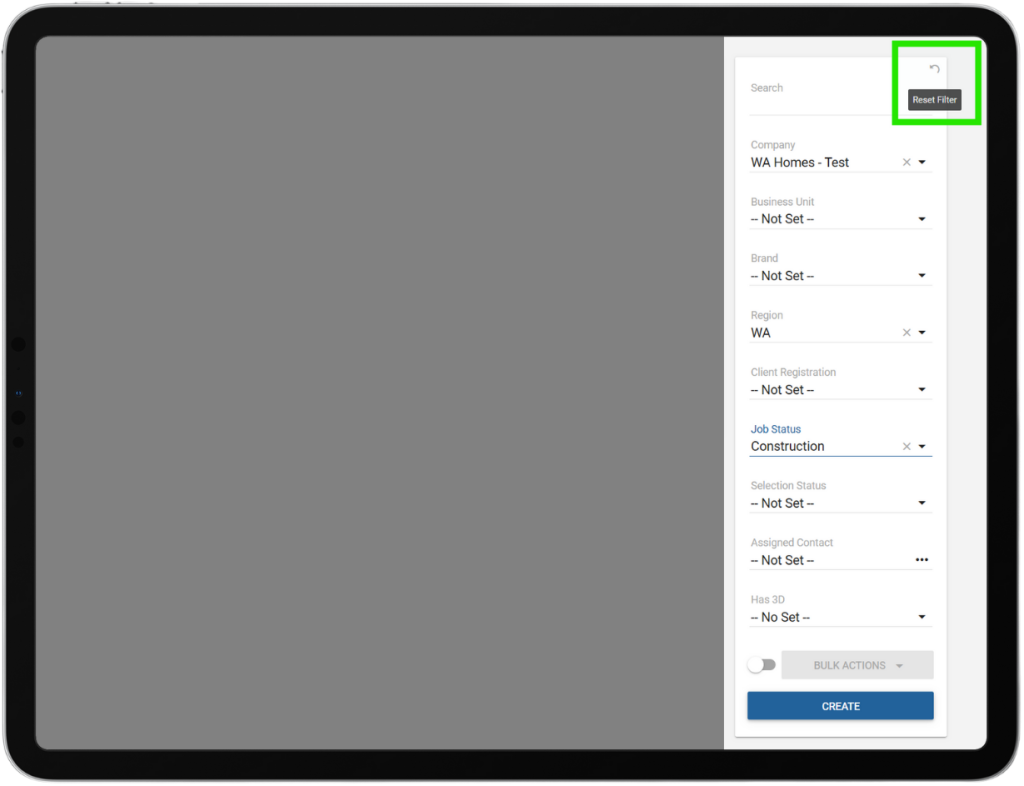
“Clear All Filters” Functionality Across All Search Bars:
Introduces a universally accessible “Clear All Filters” button near search bars or filter sections on all pages, allowing users to reset all applied filters to their default state for easier navigation and improved efficiency. Special attention is given to maintenance pages—where search is often collapsed—to ensure the button is visible even in collapsed states. The enhancement emphasises UI consistency and accessibility, enabling users to clear filters without page reloads unless needed.
Maintenance Bulk Notification Comment Propagation:
Ensures that when a Notify Client is checked during a bulk action for Maintenance Items, the comment is automatically applied to each individual maintenance item affected by the bulk action (along with the existing bulk notification email), improving traceability, audit history, and efficiency by reducing manual effort and ensuring consistent communication across all selected items.
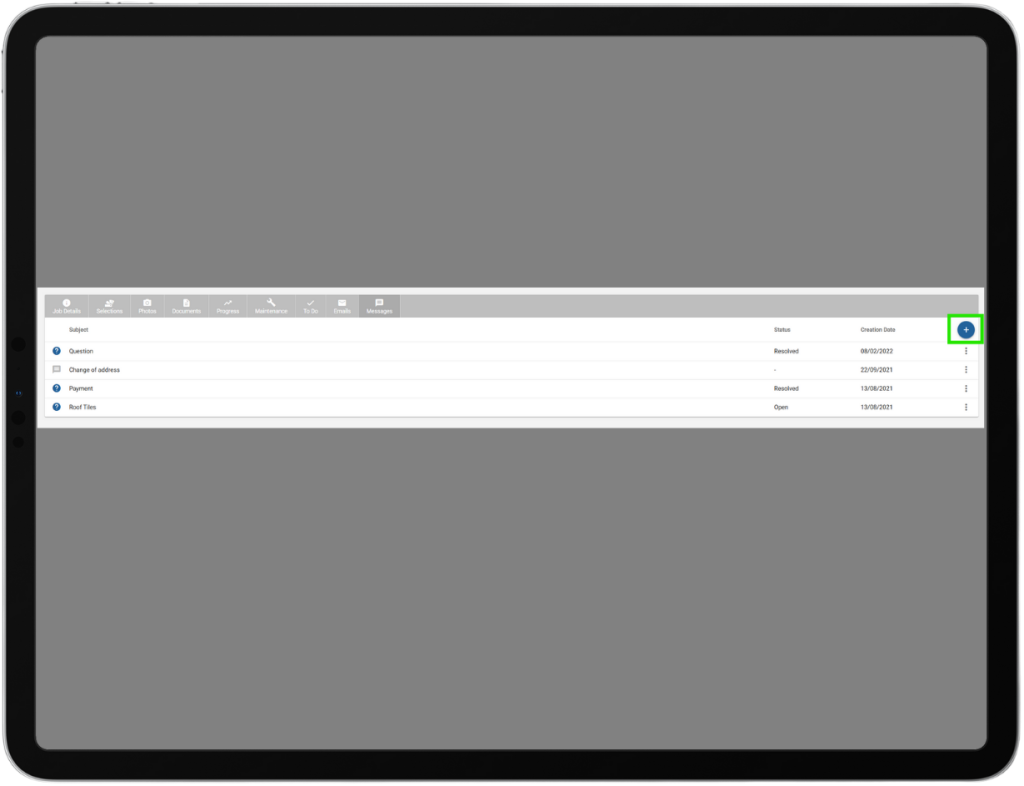
Ability to create a new message from the Job Details screen:
Introduces a blue “+” (New Message) button on the Job Details screen, enabling Builders to start a new message thread directly with their clients. Once sent, the message will appear in the Messages list for that job, and an email notification will be sent to the client upon message creation.
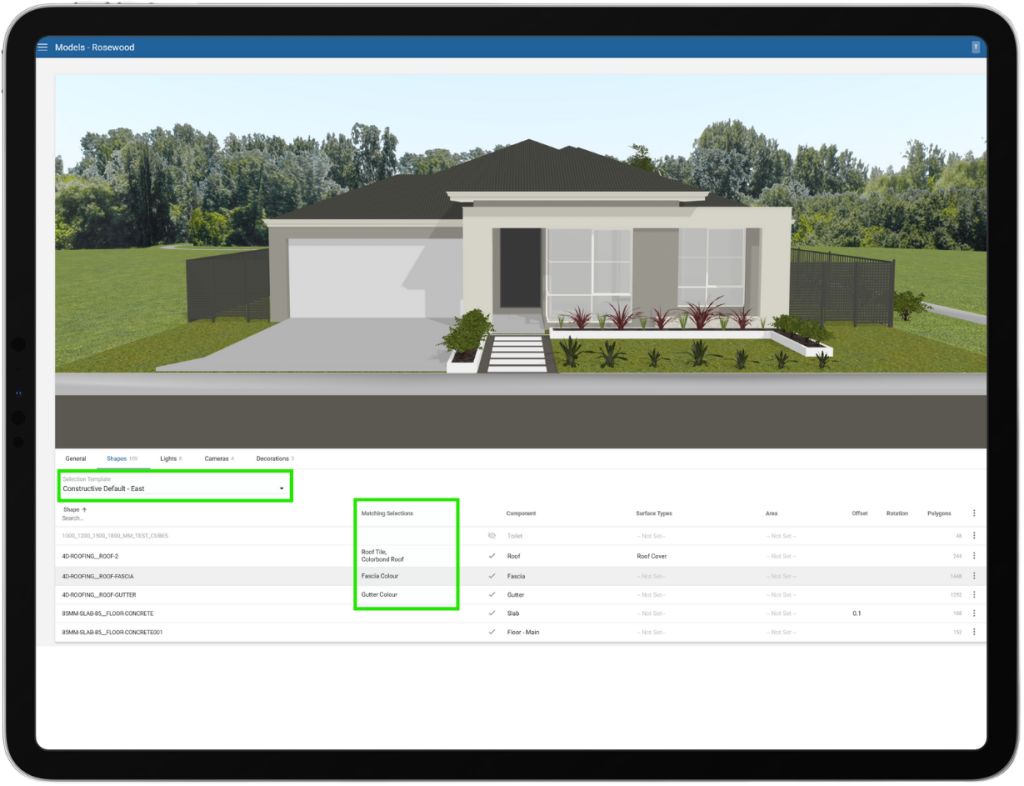
3D – Model Edit Screen – Select Component by selecting the selections associated with that component:
Updates the house model edit screen so builders and contract administrators can reference the associated selection names, reducing confusion from component names. This approach streamlines the experience for builders, who will typically only see selections relevant to their templates, minimising the need to consider component details.
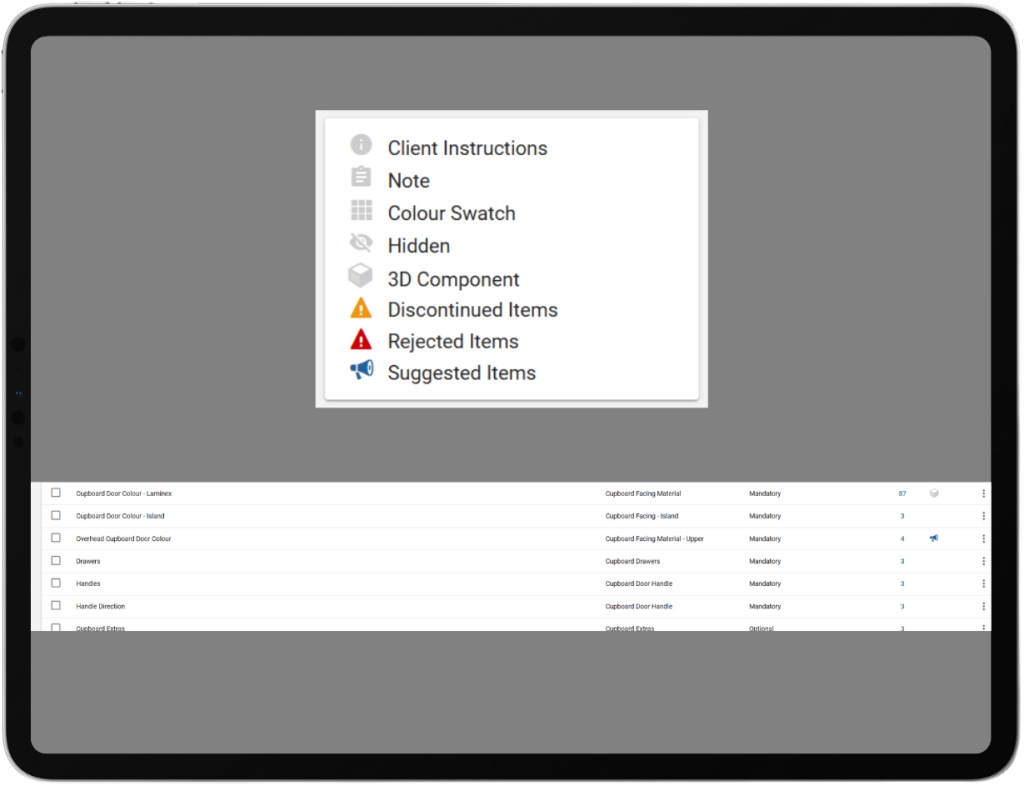
Selections: Show Suggested Item Icon at Selection Level:
Updates the selection template screen to display the Suggested Item icon at the selection level, allowing clients to quickly identify which selections have items pending approval, instead of only seeing the icon at the individual item level. This aids usability and improves oversight of selection approval status.
Item List – Ability to suggest an item from the items list:
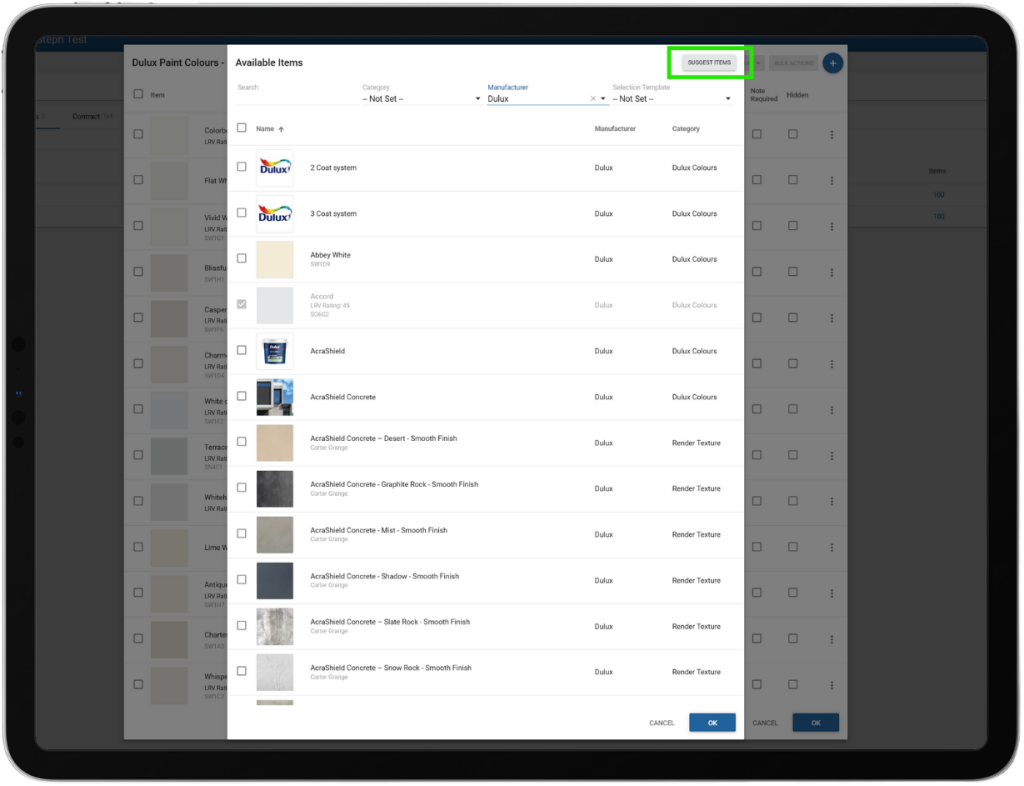
Adds the option to suggest an item directly from the ITEMS LIST tab, matching the existing functionality available in the items tab under selection templates. This enhancement allows users to efficiently propose items from the main item list, improving workflow consistency and ease of use.
Performance Enhancement – Inactive Survey Reminder Emails:
An issue was fixed where “Outstanding Survey” reminder emails were sent to clients even after a survey was marked inactive. The reminder logic has been updated so emails are only sent for active surveys, preventing reminders for surveys that are no longer in use.
Performance Enhancement – Report Layout Spacing and Readability:
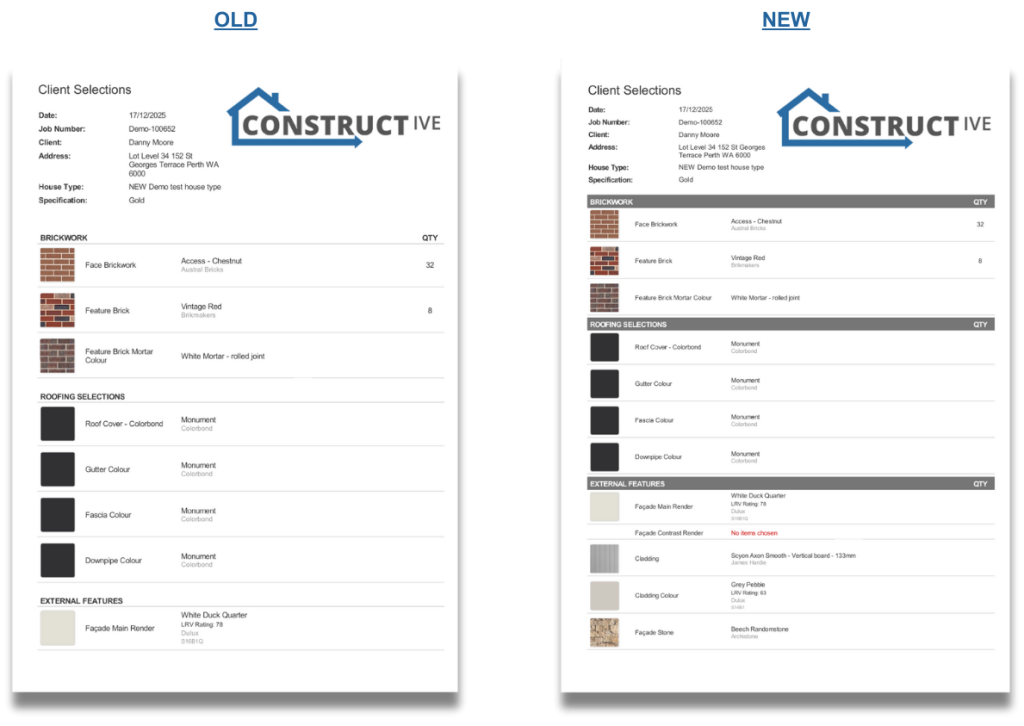
Report layouts have been enhanced to improve readability and clarity, particularly for longer documents. Major sections now include block-coloured headers to better separate categories, with key column headers such as QTY and PRICE repeated within each section to maintain context across pages. These updates align with the existing report design system and have been implemented without impacting print formatting or page integrity, ensuring a clearer experience for both digital and printed reports.
If you have any questions after reading the full release notes, or want help navigating the new features, our team is here to support you.