
Constructive 2026.5 has now been released!
The Constructive 2026.5 release introduces a range of enhancements focused on giving builders finer control over who sees what, clearer visibility across the Maintenance lifecycle, and more reliable client communication. The standout addition is the new Interior Designer role, which lets builders bring external design studios into the portal safely and on their own terms. Alongside it you’ll find new maintenance statuses for tighter workflow tracking, a configurable Sales Agent Weekly Summary email, a new CX Journey report in the Intelligence menu, and a collection of refinements that reduce manual follow-ups and keep your team and clients working from the same, accurate information.
Enhancements:
New Feature! Interior Designer Role with Restricted Access:
New Feature! Interior Designer Role with Restricted Access:
Builders who work with external interior design studios now have a purpose-built way to bring them into the portal. The new Interior Designer role gives studios a restricted, client-style view of only the jobs they’re assigned, with access to contract documents like specifications and plans while finance, approvals, and maintenance stay hidden. Designers can also make selections on a client’s behalf while those selections remain unlocked — no more shared logins or blanket access.
Feature request: https://support.constructivesoftware.com.au/a/forums/topics/62000186709
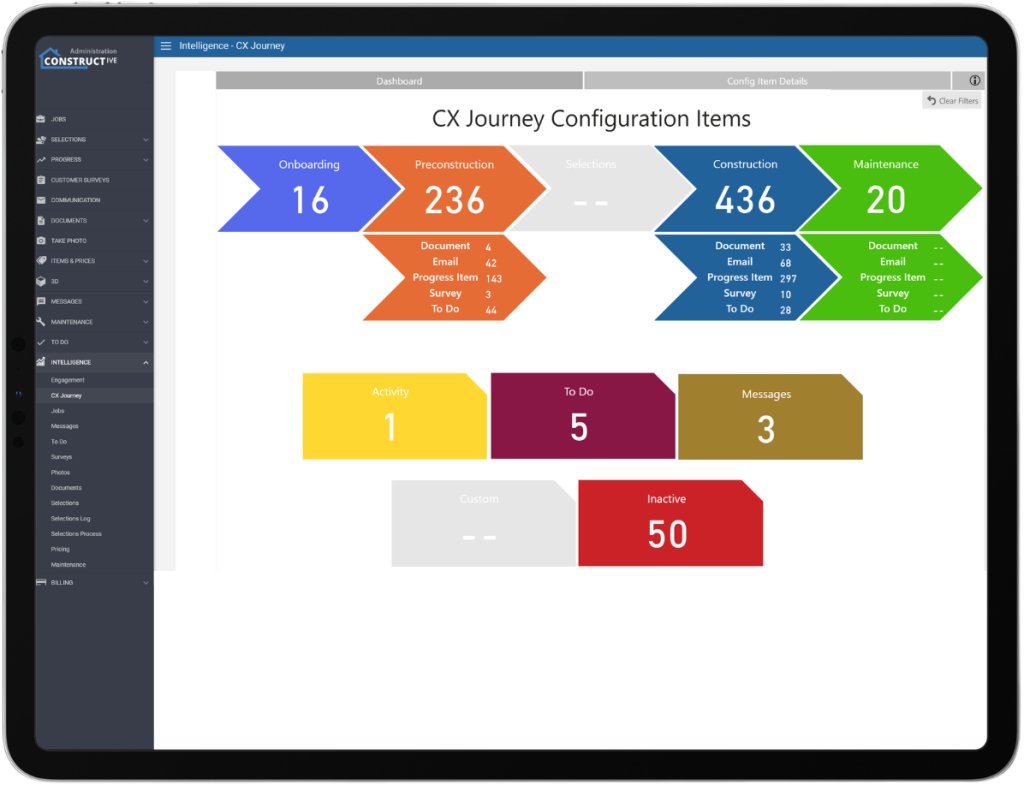
New CX Journey Report in Intelligence:
A new CX Journey report has been added to the Intelligence menu, giving builders a clear view of the customer experience journey directly within the portal.
New Maintenance Statuses – “Requested Further Information” and “Client Cancelled”:
Two new maintenance defect statuses make it easier to see where each item stands. ‘Requested Further Information’ flags defects on hold pending a response from the client or Property Manager, while ‘Client Cancelled’ records when a client has asked for a defect not to proceed – rather than leaving it in limbo. Both improve reporting accuracy and visibility over the resolution process.
Add Status category “requested further information” : Constructive Software
Configurable Sales Agent Weekly Summary Email:
You can now manage the Sales Agent Summary email from the Settings portal. A new configuration under Settings >Portal > Activity switches it on or off, and when enabled you can choose which day it sends, defaulting to Thursday at 5pm AWST. The summary covers every active job where the recipient is the assigned Sales Agent, pulling together the past seven days of progress updates, documents, and photos.
Please email support to have your Sales Agent Activity Update email template made available.
Maintenance Dates Moved to Maintenance Tab:
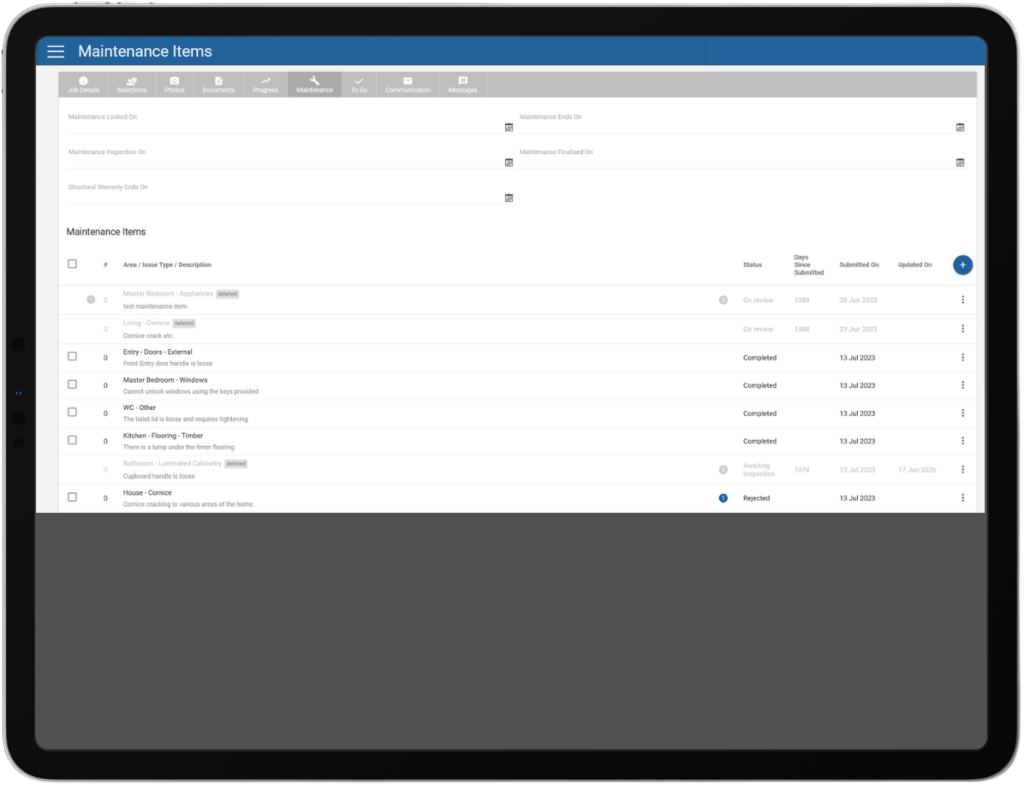
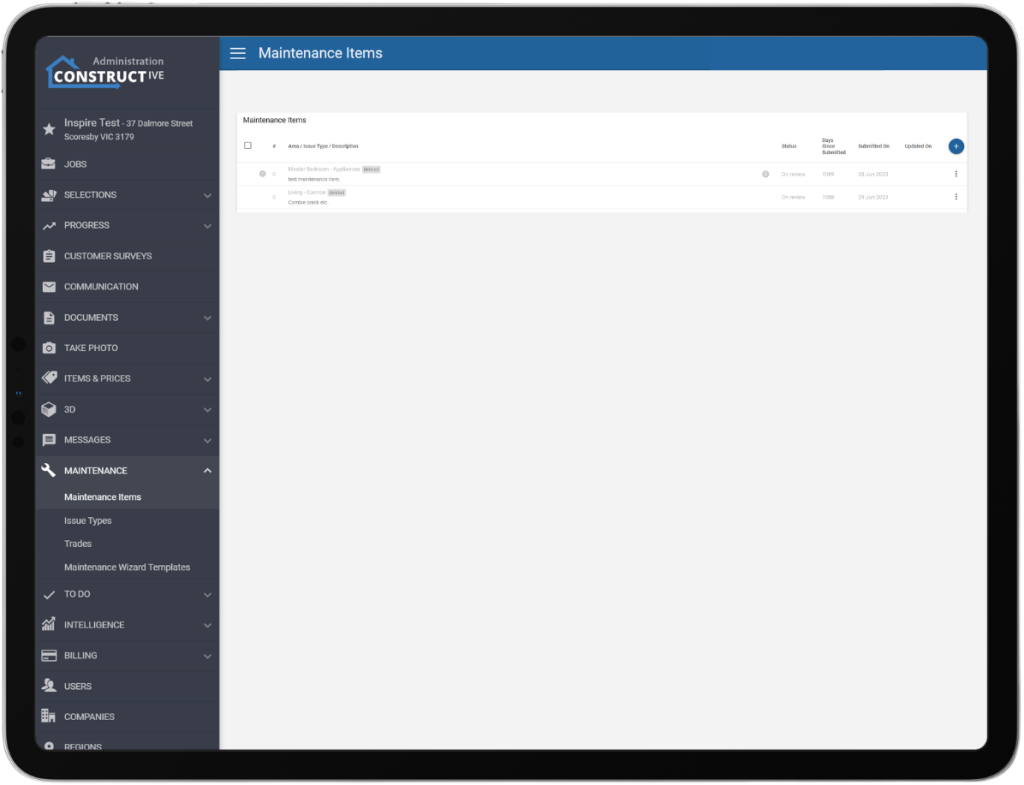
A Clearer View of Deleted Maintenance Defects:
Deleted maintenance defects now carry a clear “Deleted Defect” label in the Constructive Admin view. Previously they appeared greyed out with no obvious indication they’d been removed – the new label makes their status immediately obvious.
Multi-Select Job Filters:
The job filter screen now supports multi-select across more of its fields, in line with how the Job Status filter already works. You can choose multiple values at once, making it far easier to find groups of jobs that share more than one characteristic.
Username Pre-Filled at Registration:
The registration form now pre-populates the Username field with the email address entered, removing a manual step and encouraging consistency across the platform. The field stays editable for anyone who prefers a different username, making for a smoother sign-up and fewer login mix-ups.
Feature request: <https://constructivesoftware.freshdesk.com/a/forums/topics/62000186686>
Improvements:
A few smaller fixes round out the release. Render images on mobile now display correctly, with pinch-to-zoom and drag-to-pan restored. The ‘Internal Only’ comment option in To Do’s displays to admin-only as intended. Reordering dimension types within a house type now saves correctly after a refresh. The ‘Supervisor Photo Reminder’ now fires correctly when scheduled for a Sunday. And SVG files uploaded through Self-Styler, such as a favicon, now render correctly in the browser.
If you have any questions after reading the full release notes, or want help navigating the new features, our team is here to support you.