
The Constructive 2026.6 release brings a wave of Selections refinements, smarter maintenance reporting, and finer control over your job data. The highlight is Trade-Specific Defect Reporting, letting you email a tailored PDF straight to each trade with a full record of what was sent. Alongside it you’ll find more consistent Selections behaviour and a handful of practical improvements to filtering and template management.
Enhancements:
New Feature! Trade-Specific Defect Reports:
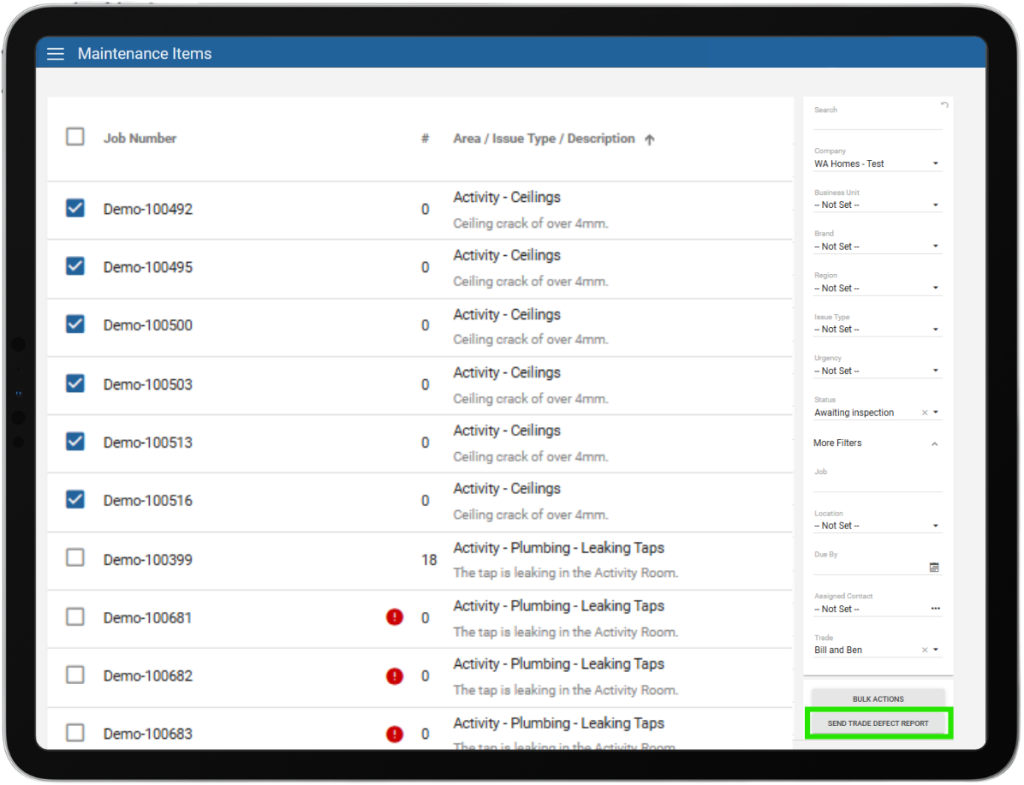
Example of the Optional Custom Message that would be included in the report:
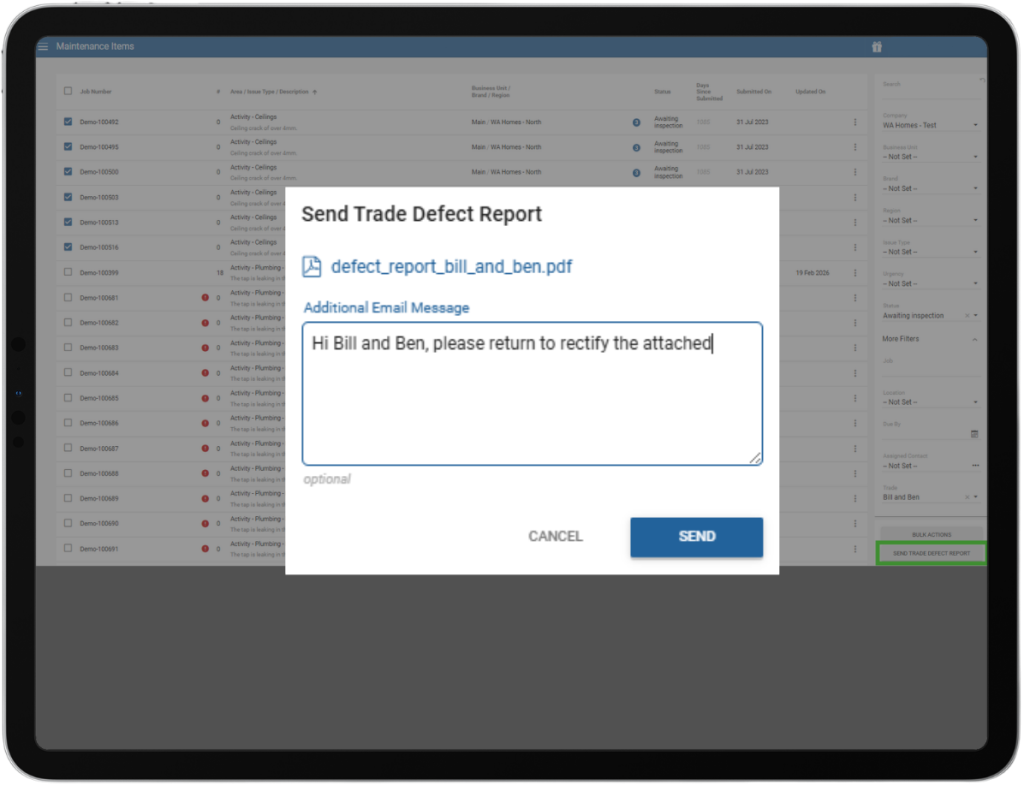
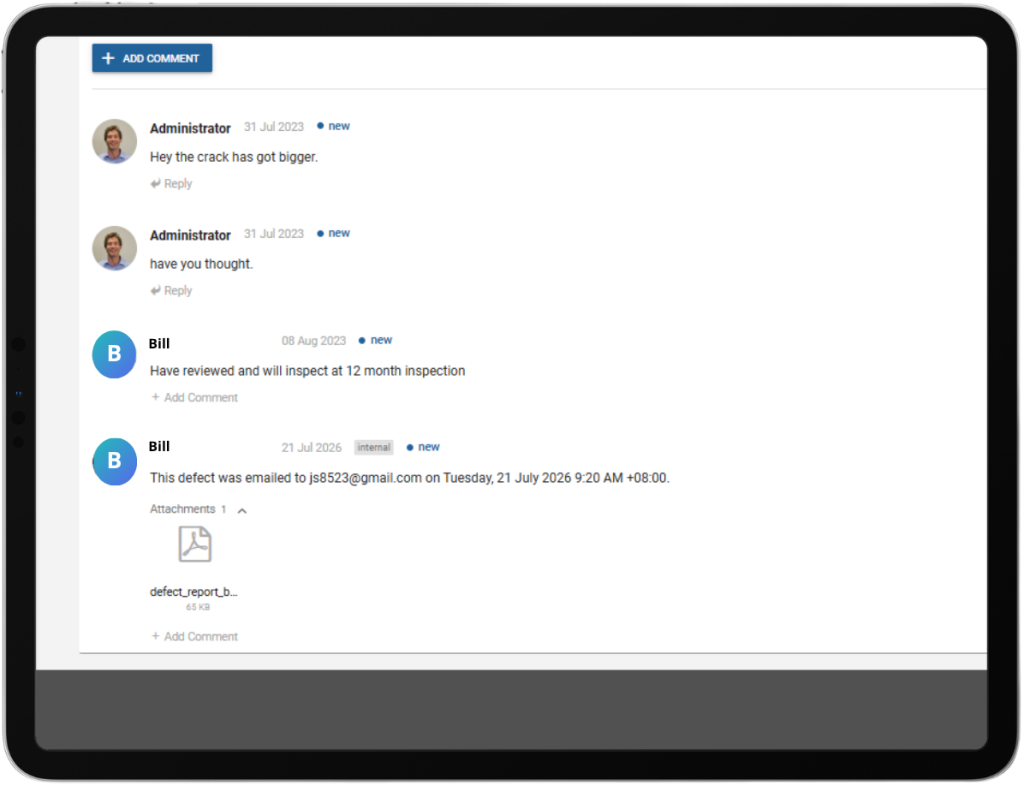
Example of the comment log that records the communication history (client-hidden):
Consistent Item Names via “Choose Anything”:
Items selected through “Choose Anything” now follow the same category naming convention and display the same appended attributes as items chosen through the standard flow so staff and clients can always tell exactly what was selected.
Selections Introduction Toggle Moved to Features:
The Selections introduction text is now switched on or off with a standard tick-box under Features, alongside every other feature toggle, rather than sitting in its own separate setting this makes it easier to find and manage.
Template-Level Selections SME Email:
The Selections SME email address now sits at the company level, with an optional override on each selection template. Templates with their own SME email use that; the rest fall back to the company default, so discontinued-product alerts reach the person actually responsible for that template, rather than a single company-wide address.
Note-Type Dimensions Stay Editable on Locked Templates:
When a selection template is locked against dimension type changes, “Note” items are now excluded from that lock and remain editable. Notes are informational rather than selectable dimensions, so staff can keep note content up to date without unlocking the whole template. All other dimension types stay locked as before.
Improvements:
E-Brochure Respects Template Order:
Filter Jobs by “Not Set”:
You can now filter jobs by “Not Set” on fields like Brand, Business Unit, and Region. Previously just a placeholder label, it now works like any other filter value and combines with others so isolating jobs with no brand assigned no longer means scrolling through heaps of results.
If you have any questions after reading the full release notes, or want help navigating the new features, our team is here to support you.