

The Constructive 2026.8 release focuses on getting more out of your 3D renders – new fixture options, smarter render workflows, and quicker-feeling load times – alongside a series of maintenance and settings refinements that make the platform easier to navigate. Highlights include instant notification when a render already exists for a client’s selections, shower head and tapware options in the 3D model, and a dedicated Maintenance section in Settings.
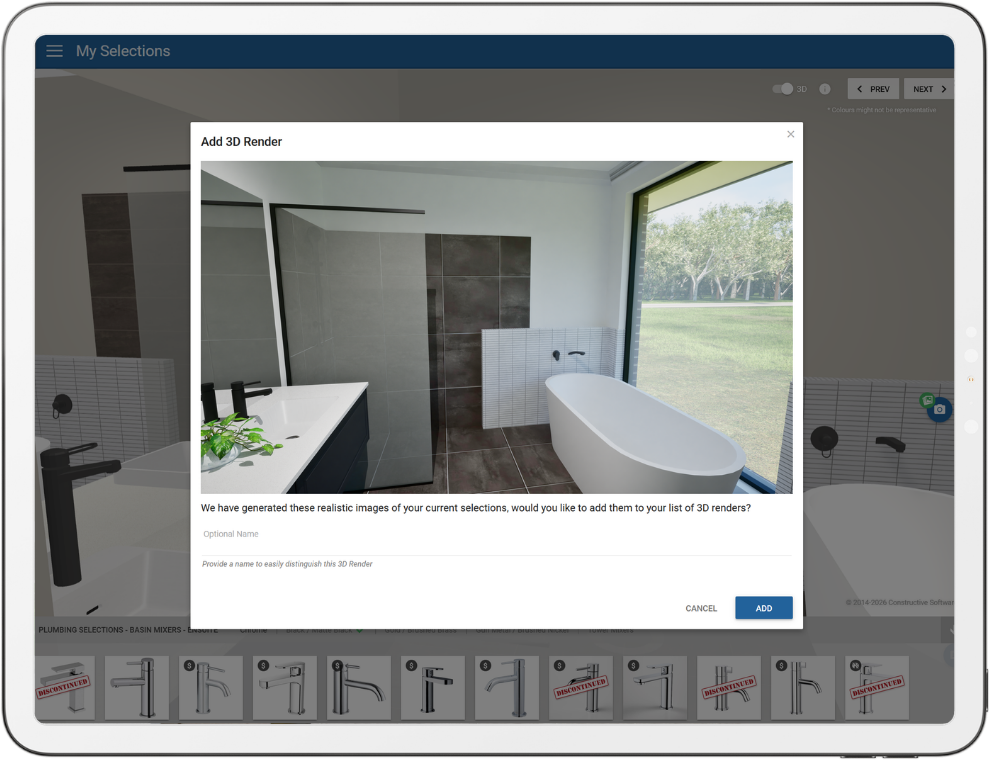
New Feature! Know Instantly When a Render Already Exists:
New in 3D: Shower Heads and Tapware:
The 3D model now lets clients and staff change shower heads and their tapware, so different combinations can be visualised rather than being limited to a fixed default. It’s a natural extension of the existing 3D customisation options.
Renders That Feel Faster to Open:
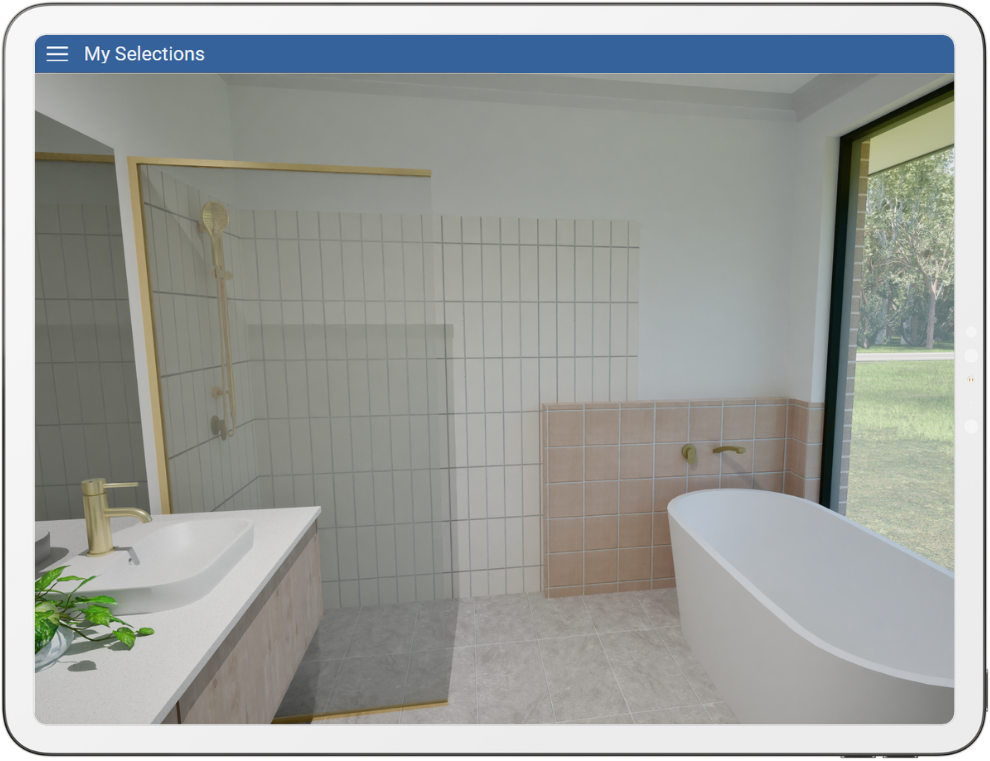
Render images now load the way a video preview does – a lighter version appears instantly, then the full 8K image swaps in automatically once it’s ready. The underlying render generation is unchanged, but opening a render now feels noticeably snappier where the full-resolution image loading upfront used to make it feel slow.
Send Trade Defect Reports Straight from a Job:
You can now send trade defect reports directly from the Job Edit screen, complementing the bulk sending already available from the Maintenance Items screen. Select the relevant items within the job’s maintenance screen (one trade per send) and send them using the same report flow. This update also resolves an issue where a failed report download showed a blank error message instead of the actual reason – a fix that flows through to the Selections, Prestart, Jobs, and Progress screens as well.
A Dedicated Maintenance Section in Settings:
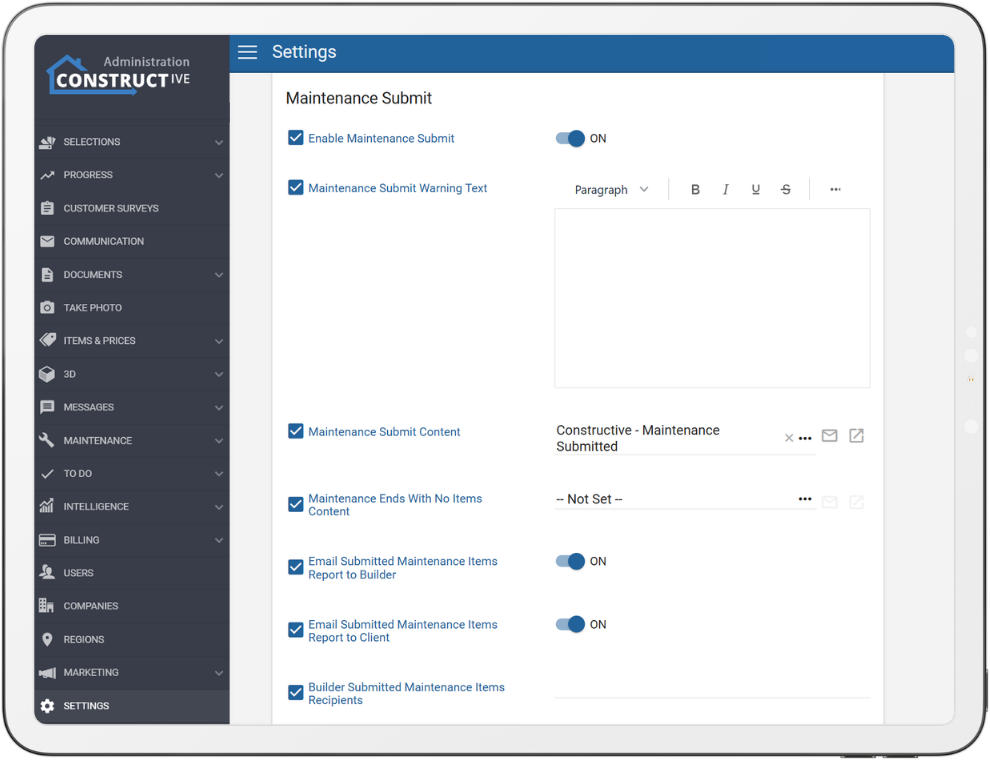
All maintenance-related configuration now lives together in its own Maintenance section in Settings, rather than being scattered across different areas. Nothing has been removed – the options are simply grouped – making them far easier for admins to find and manage.
“Supervisor Photo Reminder” Renamed to “Photos Uploaded”:
This setting has been renamed to better reflect what it does – it reports the number of photos uploaded in the past week rather than acting as a reminder to upload them. The behaviour is unchanged; only the label is now clearer.
Better-Timed Selections Emails:
The “Selections are now live!” registration email and the low-selection reminder could previously reach a client within the same 24hours. The reminder now only sends once the registration email has actually gone out, and its timing is calculated from whichever is later – the date selections were created, or the date the registration email was sent – so clients get a sensible gap between the two.
If you have any questions after reading the full release notes, or want help navigating the new features, our team is here to support you.