Product Updates

Constructive Update 5.1

Constructive 5.1 – Selections Suggested Item Improvements

Features: Suggested Items Improvements and Projects Job Configuration


1. Suggested Items Improvements
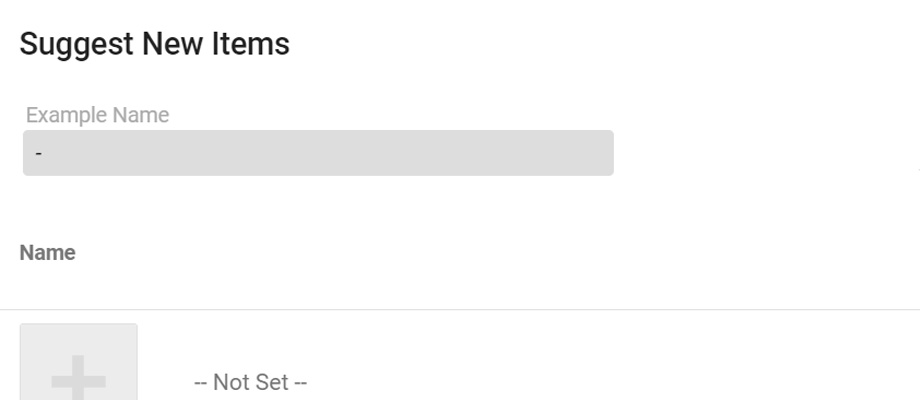
We are extremely excited to be able to bring you a new and improved way of suggesting your new items for us to create in the product library.

We take great pride in offering the free service of maintaining our huge product library, ensuring the highest quality of images and information, so you don’t have to!

Our new function will allow for these items to be suggested directly from your selection template and create a “placeholder” until the item is approved. This will save you time on going back into your template once the item is approved and adding it back in! You can also price the items, while they are in this “Pending” status, reducing the amount of back and forth you need to complete within your template.

Please see link to our knowledge-based article to take you step by step through this new and improved process: How to Suggest New Items


2. Projects Job Configuration
We’ve now enhanced the job details screen to include the ability to configure parent jobs directly from within Constructive.

Featured Post
Constructive Update 4.31

Constructive 4.31 – 3D Enhancements and Selections Write Up

Features: 3D Speed Improvements, Rotation Configuration and further enhanced selections print offs


1. 3D Speed Improvements and Configurable Rotation limits
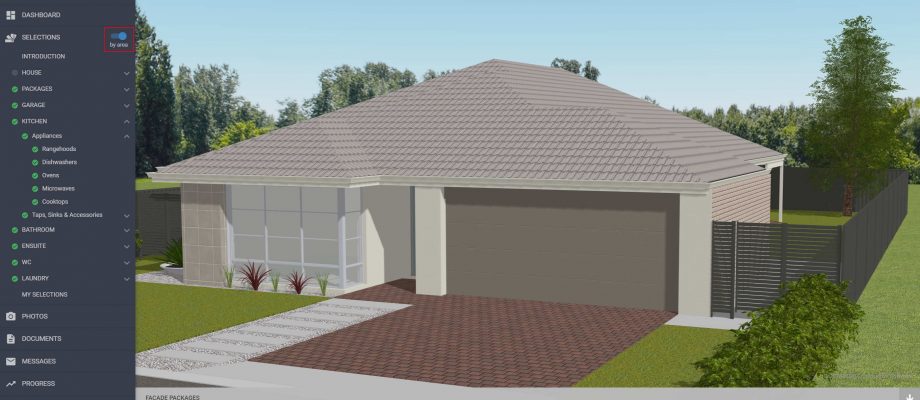
We’ve done some under the hood improvements to the 3D visualisation to improve the performance. This lays the foundations for some good improvements to the 3D view to come.

We’ve also made the view of the house model more configurable, by allowing you to control how high, or how far around the model you allow your clients to rotate. You can change this setting in Settings (Selections->3D).


2. Enhanced Selections Print Options
Constructive is now a fully fledged addenda/selections system, allowing the generation of contract/tender selections print offs, which will ignore any client selections made to date (thus allowing you to give selections to the client at deposit or even pre-deposit stage). This was an important enhancement to ensure you can still give the great engagement tool to the client as early as you like, but still have paperwork integrity.

Combine this with previous improvements in product pre selections based on specification, default wording if no selection has been made (e.g. ‘To Be Selected from builders standard range’), ability to generate different print offs from the same selection information and you’ve got a system that covers the entire lifecycle of the selections write up process.

If you want to talk about extending Online Selections with the Addenda/Selections Write up bolt-on then please contact James Salt to discuss further. 

Featured Post
Constructive 4.30

Constructive 4.30 – Email Tracking and Locking Packages

Features: Job Emails, 3D Package Notifications, Locking Packages, Sell Price Visibility, Slab Supervisor and Sales Admin Roles and Job Elevation


1. Job Emails
One of the most requested features is the ability to see the complete history of emails that have been sent to the client. We have now added the Emails tab on the Job Details screen to show these emails.

Each email is displayed in full, with a visible indicator of status (green means sent successfully).

All customer portal activity update emails, customer survey requests and progress tasks completion emails will show in this tab.

Please note this will only show new emails as from June 10th, for traceback further than this please create a support ticket.


2. Packages 3D Selection notification changes
Packages are an awesome way of giving your expertise to your client at home. Create colour schemes and your client can start working from something that looks good on the 3D model. We’ve adjusted the notifications so that it no longer gives an ‘error’ message if not all of the package items are visualised on the 3D, and if a package contains two options for the same selection it will not tell the client that the visualisation won’t be updated until a selection has been made (e.g. choice of standard brick or upgrade brick within the same package)


3. Locking Packages
There is a new option on a package selection, that will stop the client being able to select a choice outside of the package choices. This enables you to setup prescriptive selections that you know the client cannot choose outside of.


4. Sell Price Visibility
We can now control at which point clients see sell pricing. Independent to this your internal staff will still see the pricing. This could enable Sales Consultants, Selections Consultants or Contract Admins to have the power of the pricing, but not display this to the client. This can be useful for selections prior to deposit taken. This can be controlled on a job by job basis via the Client Visible Prices tick box.


5. Job Contacts – Sales Admin and Slab Supervisor
We’ve added two additional job roles. To add these to your jobs either directly assign the users in the Job Contacts tab, or request the change to your integration to pull this information through on to your customer portal.


6. Job Details – Elevation
A new field of ‘Elevation’ has been added to the Selections tab of the job details page. This is available to pull through on to any of the selection reports.

Featured Post
Constructive update 4.28.3

Constructive 4.28.3 – Client Visible Selections Switch

Client Visible Selections Control

We can now prepare selections without it being visible to already registered users. This will allow you to prepare the selections in terms of job quantities (what is in the job), pre-selected items (selected during sales) and non-applicable selections (due to specific plan details). 

When you’re ready then tick the selections visible tick box to then trigger the selections available email to go to the client.

We can also control what the default is when integrating/creating jobs in Constructive so that Constructive Online 3D Selections fits with your business process seamlessly.

This works hand in hand with the 3D Client visible switch we introduced in the last release, allowing you more control of what is presented to the clients.

Featured Post
Constructive Update 4.28

Constructive 4.28 – Colour Selections and Progress Documents

Features: Text Searchable Choices, User Entry Choices, Choices requiring notes, Preselected Choices, Progress Documents and much more!


1. Text Searchable Choices
To enable colour/prestart consultants to write up the colour selections as quickly as possible we have added the ability to select items directly in the My Selections listing screen. Not only that but also you can use the inbuilt text search to quickly find that specific colour.

Please note this is only available if you have the Addenda Module, and then only to Selection consultant role users.


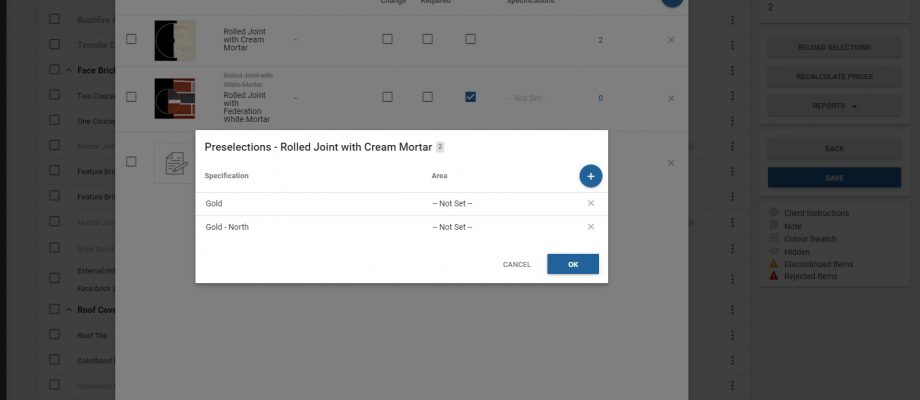
2. Preselected Choices – Standard Items
The majority of selections are not customer choices and don’t change job to job. We now have the facility to pre-select choices without any manual work per job. This makes the selections write up much quicker.

Please note this is only available if you have the Addenda Module.


3. Custom Choices
Not every choice in selections is a product or needs an image. We have now added the ability to add a custom choice to any selection which is not a full blown item. It won’t have a price or an image, but it allows you those more ad-hoc type selection types.

Please note this is only available if you have the Addenda Module.


4. Default no item Selected Text by Report Layout
When printing off selections that are partially completed you want to display specific text e.g. ‘To be selected from builders standard range’ or similar. We now can do this specific to a report layout (e.g. Contract Addenda or specification sheet) and specification level. This will massively reduce duplication of effort allowing multiple uses for the selections template.

Please note this is only available if you have the Addenda Module.


5. Progress Documents
You can now configure documents to be auto-added to any job (based on brand, business unit and/or region) when progress tasks are completed. This is configured in the admin section under Documents->Shared Documents. This now makes it easy to manage all your standard literature and resources and delivers it to the clients at the relevant point in the process.


6. Client Visible 3D Checkbox
To allow for visible checking of per job 3D models we’ve added the ability to have 3D hidden from the client, but still visible by your company users, selections consultants etc. This allows for checking of the 3D model prior to providing to the client.

During integration, this can be defaulted to hidden or shown automatically.


7. Choices Requiring Notes
Some choices require additional notes, so we’ve now added a tick box to any choice to allow you to decide at a template level which choices have to have a note added on selection. No longer do we need specific items created in the library to require notes.

Featured Post
Constructive 4.24

Constructive 4.24 – Selection Layouts, Hidden Selections and Print Selection Area Grouping

Features: Selection Layouts, Hidden Selections and Print Selection Area Grouping


1. Selection Layouts
We’ve added in the ability to have multiple layouts of selections. Imagine having one grouping and ordering of selections for the client at home, then another grouping and ordering for the selections print off, and another specifically targetted for your construction team (with their own grouping and ordering). This is now a reality all from the same selections information, no longer make compromises for each audience, tailor it to their needs to ensure clear communication.

If you wish to use this functionality please get in contact with me and I can arrange a training session. Video tutorials will follow.


2. Hidden Selections
To save you from having to tick every choice as hidden, we have now added a tick box at the selection level, to hide the whole selection. This will make it much easier to control. The user interface now visually shows the hidden selections to make it really easy to understand what the client will see.

Please see below for where you would tick to hide the whole selection from the client. Note, this does not hide it from the selections consultant.


3. Print Selection Area Grouping
Now we can order the house type areas in the house type screen. We’ve added the ability to group the selections by area under each selection group for a specific layout. The most common use case for this is grouping the sanitaryware by room first, and then by selection. Very useful for the trades and supervisor.

Featured Post
Constructive update 4.23.1

Constructive 4.23.1 – Selections Meeting improvements and Area Ordering

Features: Hidden Selection Choices, House Type Area Ordering, Targetted Job Panel and Manual Progress Task Removal


1. Hidden Selection Choices
We’ve been consistently working to enhance the functionality within the selections meeting. We’ve now altered the standard view for the company users (selections consultants and contract administrators) to show by default the hidden choices (the choices the clients don’t see at home). We’ve also changed the look of hidden items so they are not greyed out anymore, enabling a better user experience in the selections meeting.

Please remember that you can tick the choice as hidden from the client in the selections template screen against each individual choice. We will be simplifying this for hiding whole selections in our next release.


2. House Type Area Ordering
An often requested feature to enable ordering of the house area specific choices. We now allow you to drag and drop the areas within the house type to set the order of the areas. This order is used in the selections screens and in all print offs.

We also then allow manual reordering at the job level (so that you can manage the order of manually added areas to that specific job). Just go to the quants page in Job details and drag and drop the areas. Please note that if you set the order at the job level, house type ordering will no longer apply to this job.


3. Targetted Job Panel
We’ve since many requests for showing the admin users the last job they looked at, so they can jump back to it or jump into the detail screen for editing.


4. Manual Progress Task Removal
To help you solve problems and manage the progress tasks within the job details page, we’ve added the remove button to job progress. This removes it from the clients view. Use this for optional tasks like Planning or Developers Approval to ensure the portal progress page is specific to that client.


Other Small Improvements and Bug Fixes

  • Display product codes when adding new items to the selection.
  • Display previously added products in the add new choice screen to make it clearer what is already in the selection (shows as greyed out)
  • An adjustable opacity of window glass in the 3D view
  • Copy selections now copies the builder note and the admin note
Featured Post
Constructive Update 4.22.5

Constructive 4.22.5 – Job Progress Page and 3D Improvements

Features: Admin screen for Job Progress and 3D improvements


1. Admin screen for managing Job Progress within the customer portal
We have steadily been enabling the ability to see the job information within the admin job details page, and today we’ve added a big piece of functionality. Job Progress. You can now record the start and completion dates within the admin screen. These completions will trigger the activity notifications and the customer surveys.

This screen is very useful for reference as well.

If you have been holding back from using the portal side of Constructive software because you’ve not wanted (or can’t) do integration with your tracking software, then this will no longer be an issue. Contact me to discuss further.


2. 3D Improvements
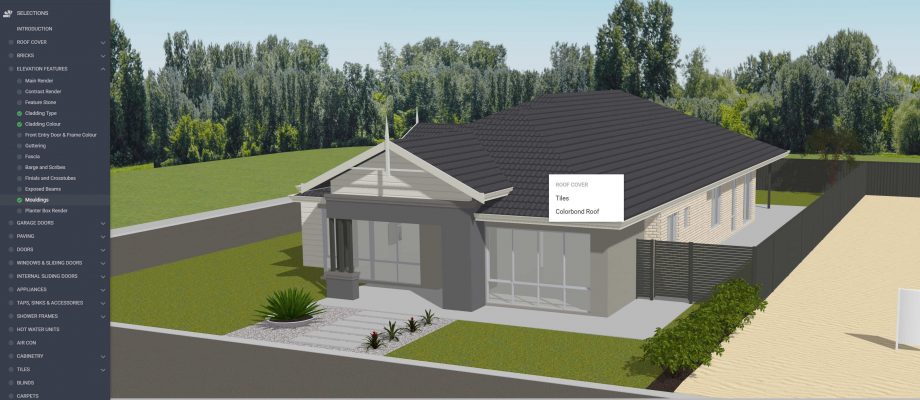
We’ve been working hard to make the 3D visualisations as flexible and as beautiful as possible. One important part of the elevation of the home is the garage door. We have now enabled logic to replace the garage door with models of the different profiles so that it looks more realistic and allows us to visualise the timber look style finishes.

Other 3D improvements

  1. We now allow for houses of different orientations (such as multi unit development jobs)
  2. We now allow for different selection mappings for different units within a multi unit development
Featured Post